The Claude Code binary that Desktop spawns is pinned — it follows the Desktop version rather than chasing the latest release. It's more restrained, and usually works together better. For example, 1.9659.2 is bound to 2.1.156, which fixes the API error caused by Opus 4.8 thinking blocks being rewritten.
Why?
-
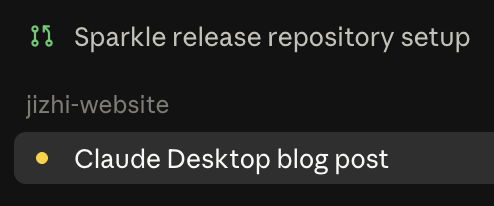
Desktop has built-in need-input / need-review notifications and indicator lights for both Chat & Code, seamlessly switching between local, cloud, and SSH sessions — no third-party app needed for session management and jumping around.
-
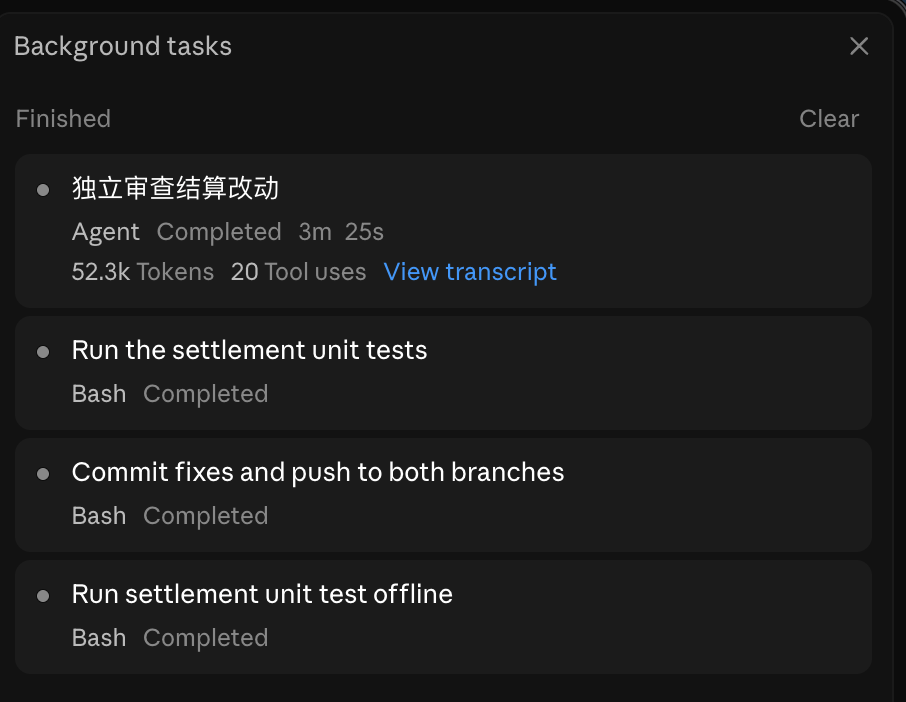
A Subagent session that finished running under Background tasks can be opened directly, fully visualizing its conversation, tool calls, token usage, and artifacts — not just a one-line settlement summary. That's something the command line can't do.
-
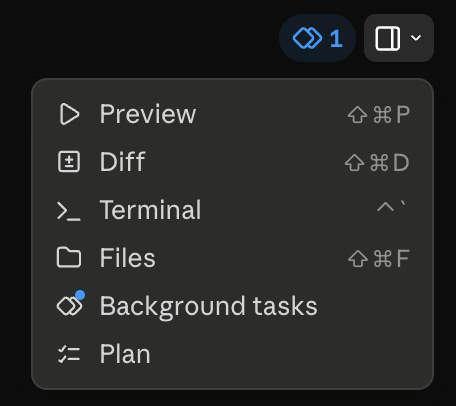
Terminal and IDE are decoupled — you can do diff review, and even edit files, right inside Desktop too. Anything the TUI can do, Desktop can do. Now that auto mode has shipped, the IDE is more of a pure editor.
-
Code sessions make it easier to see usage / context and switch model / effort, without interrupting the current conversation.
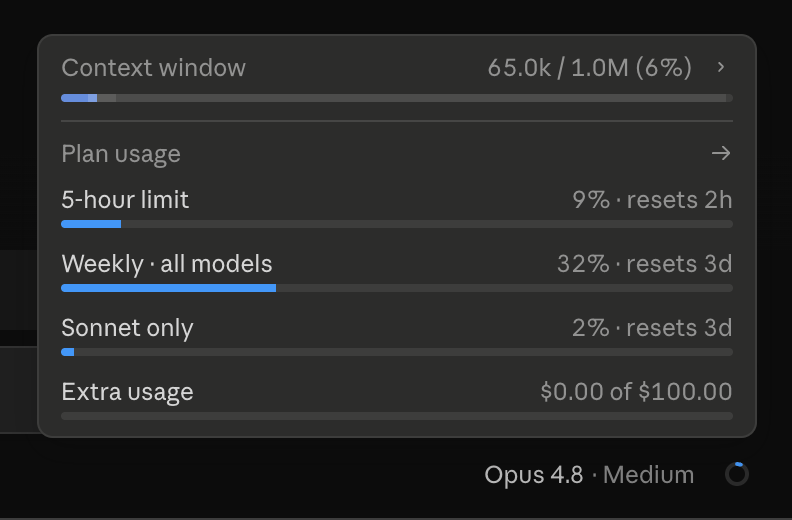
-
No more putting up with the TUI's flickering — better scrolling, better views.
-
Switch between Chat and Code with tabs, instead of bouncing back and forth between the web and the TUI.
-
Switching branches, opening a Worktree, and Create PR all happen inside Desktop — no more switching between the IDE and the Terminal.
-
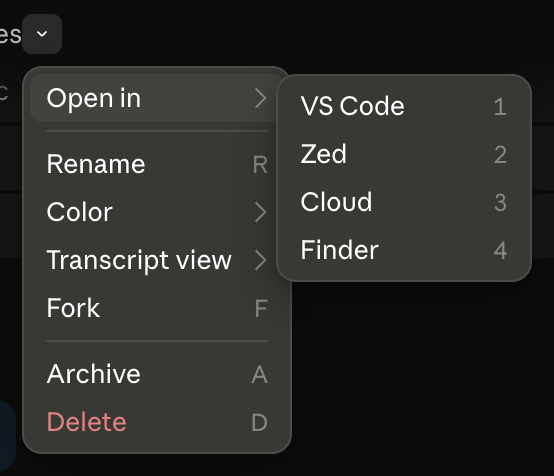
Multiple Code sessions can be split into side-by-side windows, so several tasks' progress sits on one screen instead of behind separate tabs — drag sessions out from the sidebar, or right-click → Open in → Split view. A Claude app developer showed off this layout:
 Anthony Morris ツ@amorriscode
going into the weekend like
迎接周末的样子2:42 AM · Jun 27, 2026
Coming from the command line
Terminal muscle memory doesn't fade overnight, so for the transition I dropped in a small function that spins up a new Desktop session straight from the current directory:
clauded() {
  local url="claude://code/new?folder=$(pwd)"
  [ -n "$1" ] && url="${url}&q=$(python3 -c 'import urllib.parse,sys;print(urllib.parse.quote(sys.argv[1]))' "$*")"
  open "$url"
}

# clauded            open an empty session in the current directory
# clauded "Fix X"    also pass along the first question
folder takes pwd, so whichever project directory you type it in is the project the session opens in — almost the same feel as running claude in the terminal before.
Shortcomings
Desktop still has some bugs right now; they're usually tolerable, and a few more iterations should make it smoother.
- Computer use is a far worse experience than Codex
- Desktop pops up CF challenges during startup and use